
Web Design: Optimized for AI Search
Web Design: Optimized for AI Search Web Design in 2026 is no longer just about visuals like colors and layouts;…

Claude is a free AI assistant built by Anthropic that helps businesses handle content creation, SEO strategy, web design copy, email marketing, social media, and campaign planning—all from a single conversation. To use it as your free marketing assistant, simply open claude.ai and provide your brand details, target audience, and the specific task you need completed. This process produces structured, usable output in seconds without the need for an expensive agency, a monthly retainer, or any technical setup.
For small business owners, startup founders, and marketing managers stretched across too many responsibilities, Claude is one of the most practical tools available right now — and most people are still only using about 10% of what it can actually do.
Table of Contents
Claude is an AI assistant developed by Anthropic, designed to handle complex, multi-step tasks with a strong focus on accuracy, nuance, and context. Unlike tools that produce generic output, Claude understands detailed instructions and maintains consistency across long conversations — which makes it genuinely useful for marketing work, not just quick one-off prompts.
The adoption numbers back this up. Claude has surpassed 30 million monthly active users and holds 32% of the enterprise AI application market share — earned through strong performance on exactly the kind of complex tasks marketing teams deal with daily. Marketing teams using Claude report up to 40% faster content production compared to fully manual workflows. For a team of one or two people, that output shift changes what is actually possible in a week.
The free tier covers most of what small businesses need — blog drafts, service page rewrites, email sequences, content calendars, social captions — without spending anything.
One of the strongest use cases for Claude in marketing is web design content — and it is the one most businesses completely overlook. A well-designed website with thin, vague copy is invisible to both Google and the AI tools your customers are already using. Claude fixes this fast.
Give Claude your services, your target audience, and your location, and it will produce web design copy built for AI search visibility. Proper H1 and H2 headings with focus keywords included naturally. FAQ sections in a conversational question-and-answer format that Google AI Overviews and Perplexity can extract and cite directly. Schema markup recommendations for LocalBusiness, FAQPage, and Service structured data.
Web design today is judged not just visually but by how clearly AI tools can read and understand it. A web design without structured content, clear entity signals, and properly formatted FAQ sections is invisible in generative search. Claude helps you build the content layer that makes web design actually work — for SEO, GEO, and AEO together.
Before any task, paste in your brand name, what you do, who your customers are, and the tone you write in. This is the single most important step. Claude produces generic output when given generic input. The more specific your context, the more usable what comes back is.
Claude’s Projects feature lets you upload brand guidelines, past content examples, and audience personas once — and every conversation inside that project references them automatically. Teams using Projects report 40% faster content creation because they are not re-explaining their brand from scratch every single time.
Blog posts and content clusters for topical authority. Service page rewrites with AEO-ready FAQ sections. Email sequences with personalised messaging. Social captions adapted from long-form content. Keyword grouping by search intent. Meta descriptions. Content calendar planning. These are the tasks where Claude saves the most time — and where the output quality is strong enough to use with minimal editing.
Claude handles the first 70% of any marketing task well. The final 30% — your real client stories, your specific local knowledge, your genuine brand voice — that is yours to add. Never publish Claude output straight without a read-through. One paragraph of real experience lifts the whole piece significantly and satisfies Google’s E-E-A-T standards.
Just head to claude.ai and feed it your “Brand DNA”—services, audience, and tone. Then, assign a specific task like drafting a blog or social calendar. Pro tip: For recurring work, use the Projects feature to upload your brand guidelines once. This keeps Claude’s output consistent every single time without you repeating yourself.
Yes, and it’s a total game-changer. Claude writes copy that speaks “robot” and “human” simultaneously. It maps out SEO-ready headings and generates FAQPage schema so tools like Perplexity and Gemini can easily cite you. Essentially, it builds the technical content layer that makes your brand discoverable in the AI era.
For most daily tasks, the free tier is plenty. You can draft blogs, plan keywords, and write captions without hitting major limits. If you’re a high-volume agency at Turnihi, the $20/month Pro version offers 5x the capacity. But honestly? Most marketers see massive results on the free version before they ever need to upgrade.
It comes down to the “Brain Power.” Claude handles a massive 200,000-token context window, meaning you can drop an entire 50-page competitor audit into it without it getting “confused.” The writing also feels more human and less formulaic. While ChatGPT is great for quick images, Claude is the superior choice for long-form, strategic SEO content.
Claude is a brilliant “Doer,” but a terrible “Thinker.” Your high-level brand strategy, deep customer empathy, and local market “gut feelings” must stay human-led. Use it to accelerate your execution, but never let it replace the strategic soul of your business. Always do a final human “vibe check” before anything goes live.
Claude is not going to replace the strategy, the relationships, or the judgment that good marketing depends on. What it does is handle the execution work — the writing, the structuring, the drafting, the planning — fast enough that consistent, high-quality marketing becomes realistic for teams of any size.
For web design, SEO, and AEO specifically, Claude is one of the most useful free tools available today. This assistant builds the structured, AI-readable content that search engines and generative tools reward. By working at a pace that makes weekly publishing manageable, it removes the burden of a monthly agency fee.
At Turnihi Tech Solutions, Claude is part of how we build web design content and marketing systems that work — for our clients and for ourselves.
Share Post:

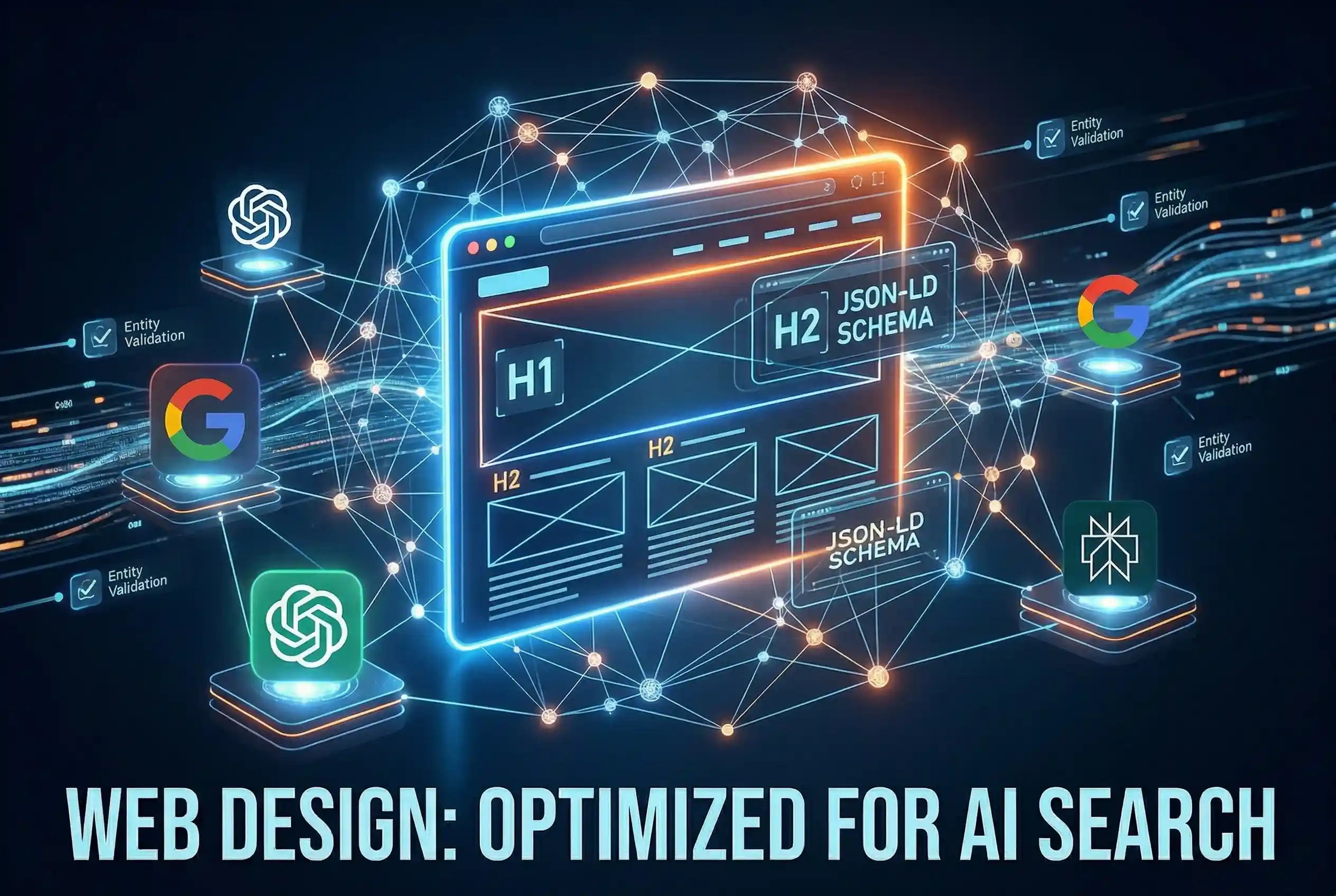
Web Design: Optimized for AI Search Web Design in 2026 is no longer just about visuals like colors and layouts;…
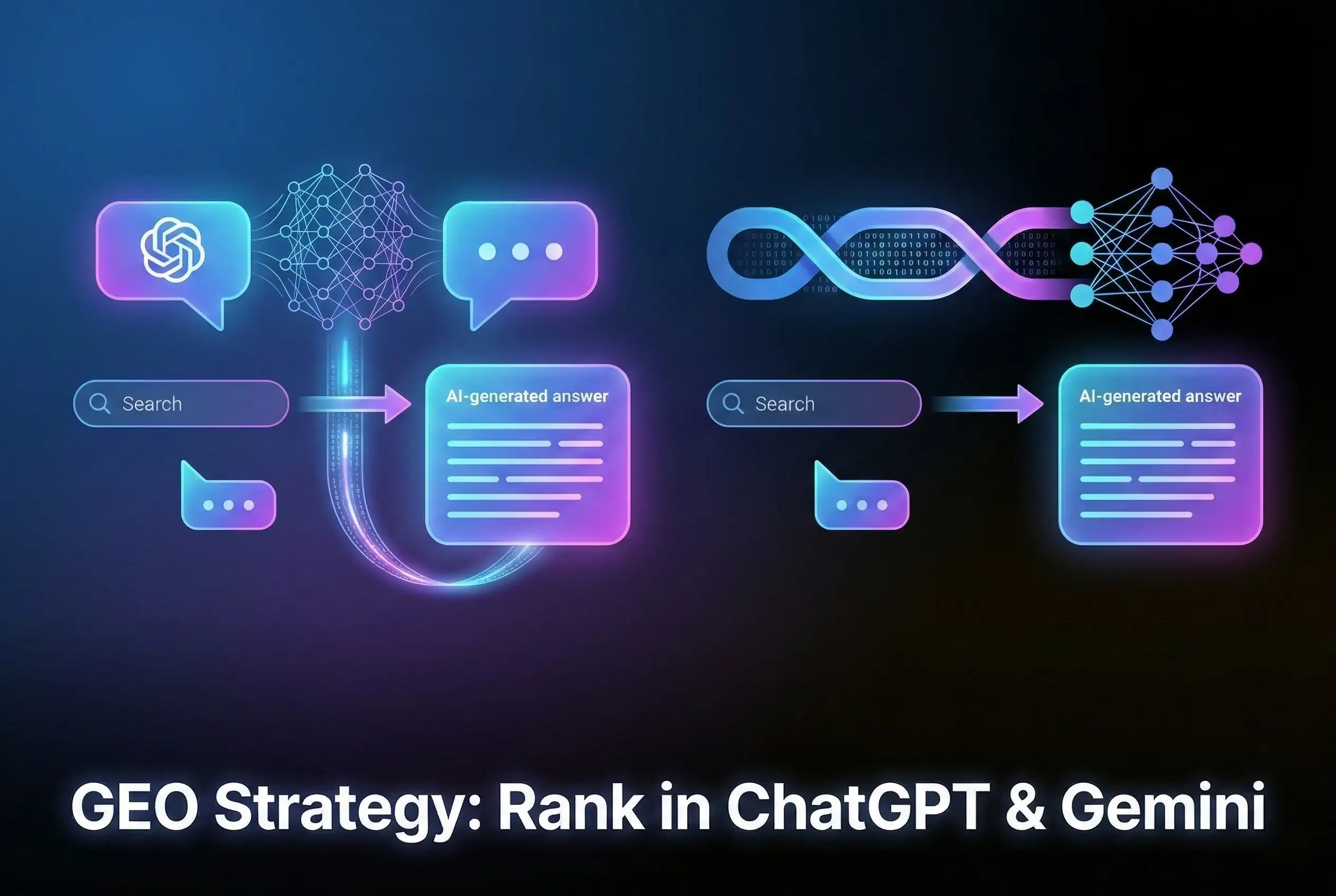
GEO Strategy: Rank in ChatGPT & Gemini Generative Engine Optimization (GEO) is the essential strategy of optimizing your brand to…
Human + AI Content Strategy: The Winning Formula There is a conversation happening in almost every marketing team right now…
Why Having a Human Partner is Better Than an AI in Website Development If you’ve seen those ads promising a…