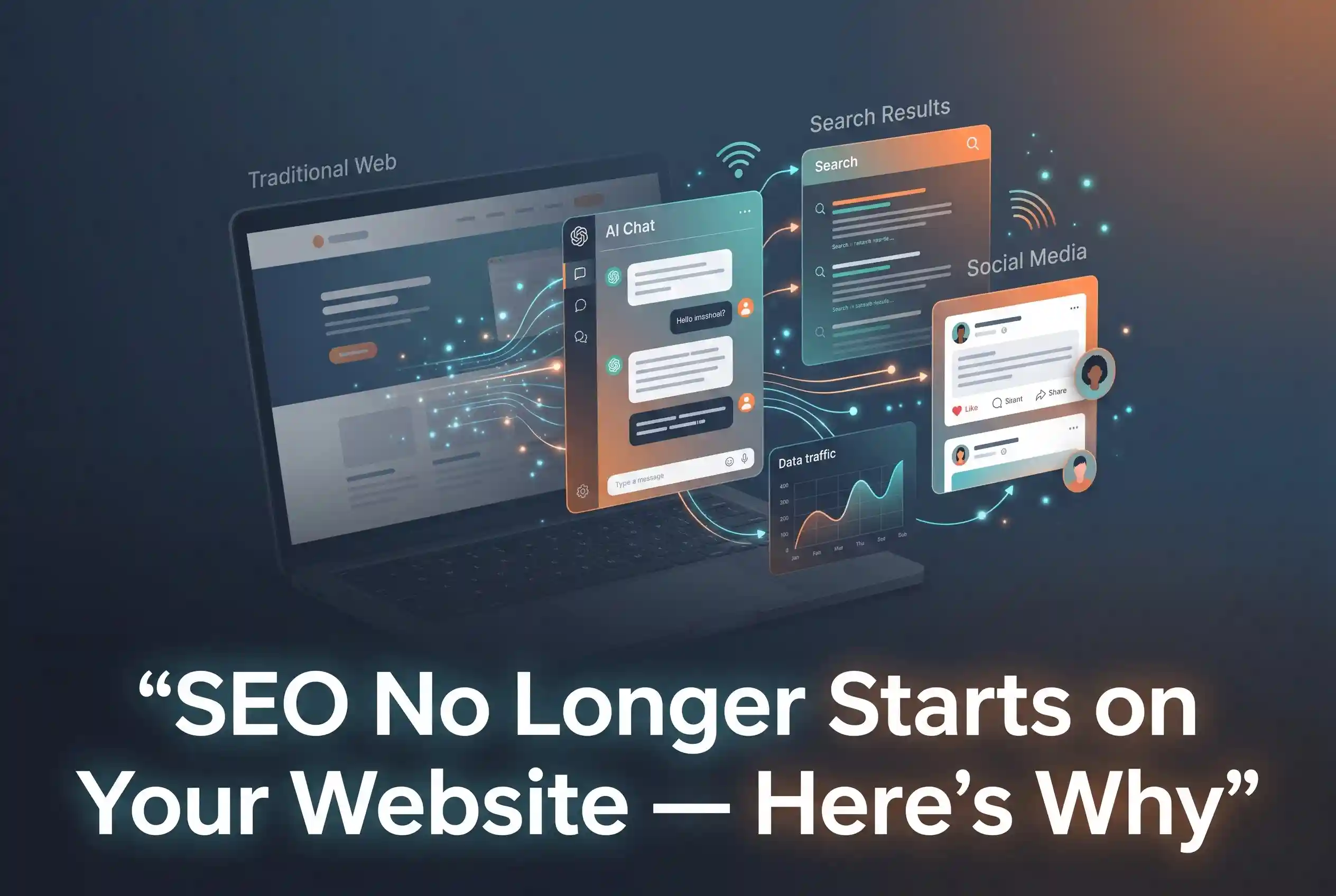
SEO No Longer Starts on Your Website – Here’s Why
SEO No Longer Starts on Your Website – Here’s Why SEO in 2025 does not begin the moment someone lands…

Google Ads can be one of the most powerful tools a business has — or one of the most expensive mistakes. The difference usually comes down to how the campaign is set up and managed. If you are spending money every month and not seeing leads, calls, or conversions to match, the problem is rarely Google itself. It is almost always the strategy behind the campaign.
Here is what is actually going wrong — and what to do about it.
Table of Contents
Most wasted Google Ads budget comes from one core problem: showing ads to people who were never going to buy from you.
Broad match keywords are the biggest culprit. When you bid on a broad term like “web design” or “digital marketing,” Google will show your ad to anyone it thinks is loosely related to that term. That includes students researching a topic, job seekers, competitors checking your ad, and people in entirely different cities. You pay for every click, regardless of intent.
Negative keywords are what fix this — but most small business campaigns either have very few or none at all. Without a proper negative keyword list, your budget leaks constantly toward irrelevant traffic that was never going to convert.
Getting the click is only half the job. What happens after the click is where most campaigns quietly fall apart.
If your Google Ads are sending traffic to your homepage instead of a dedicated landing page, you are making people work too hard to find what they came for. A homepage is built for everyone. A landing page is built for one specific offer, one specific audience, and one specific action.
The message on your ad and the message on your landing page need to match exactly. If your ad says “affordable web design for small businesses in Chennai” and your landing page talks about everything your agency does, the visitor feels disconnected and leaves. That click just cost you money with nothing to show for it.
Page speed matters here too. A landing page that takes more than three seconds to load loses a significant portion of its visitors before they even see your offer.
Choosing the wrong bidding strategy is one of the most common reasons Google Ads underperform for small businesses.
Automated bidding strategies like Target CPA or Maximise Conversions sound appealing but require significant conversion data to work properly. If your campaign is new or does not have enough historical conversions, Google’s algorithm has nothing to learn from and will spend your budget inefficiently while it figures things out.
For campaigns that are just starting or rebuilding, Maximise Clicks with a CPC cap gives you more control and prevents Google from blowing the entire daily budget on a handful of expensive clicks. Once the campaign has consistent conversion data, you can graduate to smarter automated strategies.
Google Ads is not a set-and-forget channel. Campaigns that are not reviewed regularly drift — keywords start matching irrelevant searches, bids shift, and budgets get distributed to underperforming ad groups without anyone noticing.
Checking your search terms report weekly is non-negotiable. This shows exactly what people typed before clicking. Adding irrelevant terms to your negative keyword list regularly is one of the simplest ways to improve efficiency immediately. To stay updated on the latest platform changes and best practices, you can follow the official Google Ads Help Center, which provides deep dives into technical updates.
Clicks without conversions usually point to a landing page problem — either the message does not match the ad, the page loads too slowly, or the call to action is unclear. The ad did its job. The page did not.
There is no universal answer, but the budget needs to be enough to generate meaningful data. A campaign running on too little spend will not give Google’s algorithm enough signals to optimise, and you will not have enough clicks to identify what is working.
Maximise Clicks with a manual CPC cap is a safe starting point. It gives you control over costs while building up the conversion data needed for smarter automated strategies later.
Start with a thorough negative keyword list before the campaign goes live, use exact or phrase match keywords where possible, and review your search terms report weekly to catch and exclude irrelevant traffic early.
A Google Ads campaign that is not performing is not just a marketing problem — it is a budget problem that compounds every day it goes unaddressed. The good news is that most of these issues are fixable once you know where to look.
Whether it is tightening keyword targeting, rebuilding landing pages, or choosing the right bidding strategy, small changes made in the right order can turn a campaign that is bleeding money into one that consistently brings in business.
At Turnihi Tech Solutions, managing Google Ads is not just about running campaigns — it is about making every rupee work. If your current campaigns are not delivering, we will tell you exactly why and build a strategy that does.
Share Post:

Related Post
SEO No Longer Starts on Your Website – Here’s Why SEO in 2025 does not begin the moment someone lands…

The Link Between Web Design and SEO Nobody Talks About Web design and SEO are not two separate strategies —…

Your Competitors Are Using AI In Digital Marketing. Are You Falling Behind? AI in digital marketing is no longer a…
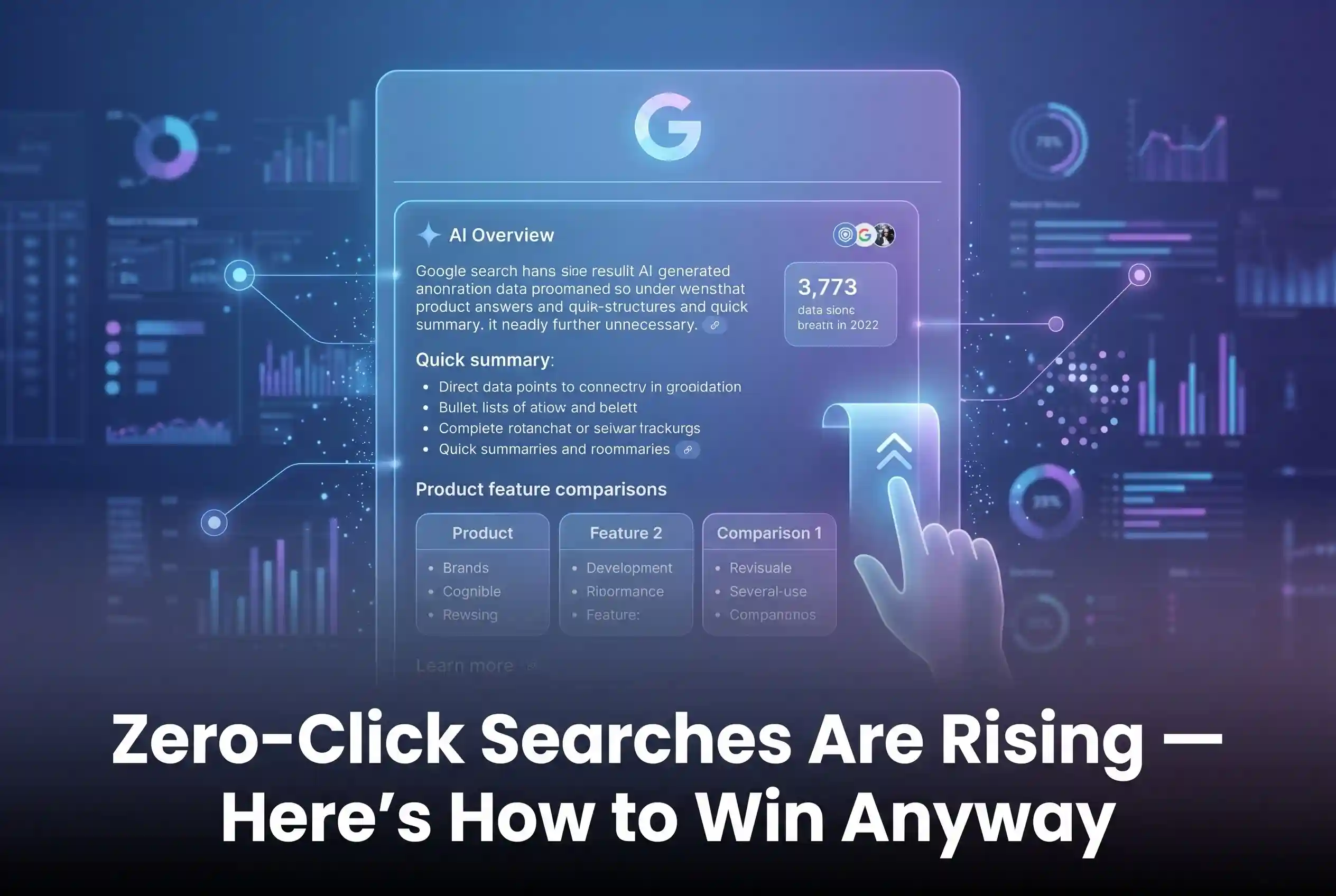
Zero-Click Searches Are Rising – Here’s How to Win Anyway Zero-click searches are fundamentally changing how we use the internet.…

Vibe Coding Is Over : Here’s What Actually Works Vibe coding had its moment. For a while, it felt like…

AI App Development Company vs Freelancers: What to Choose? Hiring an AI app development company gives you a full team,…
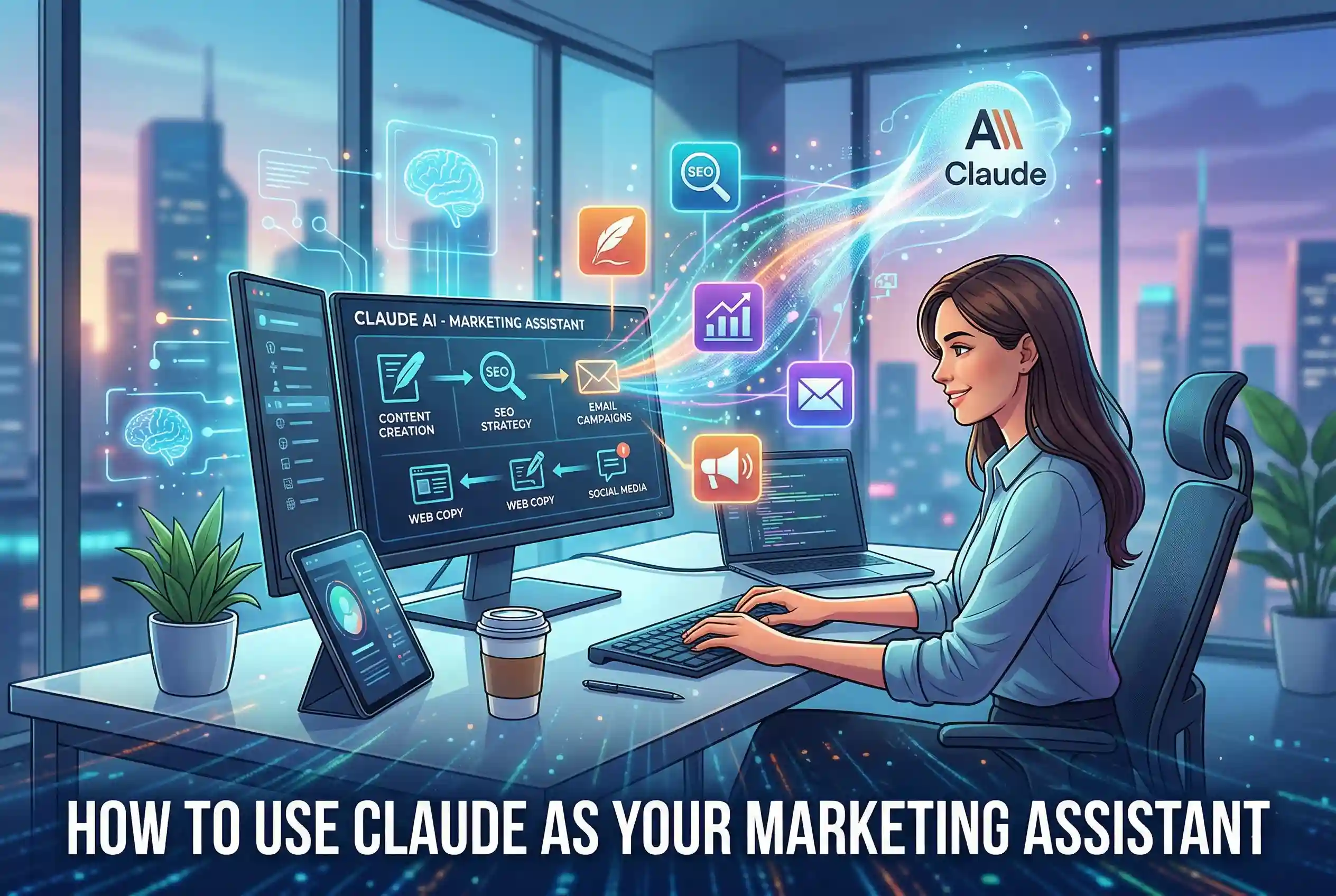
How to Use Claude as Your Marketing Assistant Claude is a free AI assistant built by Anthropic that helps businesses…

Web Design: Optimized for AI Search Web Design in 2026 is no longer just about visuals like colors and layouts;…
GEO Strategy: Rank in ChatGPT & Gemini Generative Engine Optimization (GEO) is the essential strategy of optimizing your brand to…

Human + AI Content Strategy: The Winning Formula There is a conversation happening in almost every marketing team right now…

Why Having a Human Partner is Better Than an AI in Website Development If you’ve seen those ads promising a…