AI Website Builder vs Web Designer: What Your Business Really Needs
AI Website Builder vs Web Designer: What Your Business Really Needs A few years ago, building a website meant hiring…

Every day, millions of people ask ChatGPT where to shop, which service to hire and which business to trust. Until recently, however, business owners had almost no say in what ChatGPT shows about them. That changed on November 10, 2026, when OpenAI launched Businesses in ChatGPT in beta, together with a dashboard called ChatGPT Business Hub. Through it, you can claim your business, verify it and earn a blue checkmark.
Quick answer: To claim your business on ChatGPT, open Business Hub at chatgpt.com/business-hub, choose a verification method and then pass an identity check. Claiming is free during the beta. In this guide, we explain how the process works, what you can do afterwards and why it matters for SEO, AEO and GEO.
In this guide, we explain what Business Hub is, how to claim and verify your profile step by step, what you can do once verified, and why it matters for SEO, AEO and GEO.
Business Hub is OpenAI’s dashboard for businesses. With it, companies can claim their organisation in ChatGPT, manage their information and see how people engage with them. OpenAI says the beta is a new way to reach the 1.2 billion people who use ChatGPT each week. Once a business is verified, its profile shows a blue checkmark. In addition, the owner can update key details and add product feeds with pricing and availability.
Any eligible business located where ChatGPT is available can claim through Business Hub. Moreover, you don’t need an Ads account or an Enterprise plan. Existing Enterprise customers and advertisers can work with their OpenAI representative instead, while Shopify merchants can connect their store to speed up verification. Claiming is free during the beta. That said, OpenAI has not ruled out charging in the future.
Keep in mind that claiming alone does not add the blue checkmark. The badge appears only after your Persona verification is approved. Editing and insights unlock at the same stage.
Once you are verified, Business Hub gives you several tools:
A Business Agent is an AI assistant that eligible businesses can build and launch after claiming their profile. When your business appears in an answer, people can open your profile and start a labelled conversation to compare products or ask follow-up questions. For now, Business Agents are available only to eligible ecommerce and online service businesses in the U.S.
Why Business Hub Matters for SEO, AEO and GEO
AI assistants are becoming a real discovery channel, and Business Hub is the first official way to influence how one of them represents you. For GEO, mention counts and discovery topics show how ChatGPT talks about your brand, which helps you spot content gaps. For AEO, accurate profile details and product feeds give AI answers a trustworthy source. Meanwhile, traditional SEO still matters, because your website is what ChatGPT cites.
How to Prepare Your Business
As a result, your claimed profile and your website will support each other.
ChatGPT Business Hub is OpenAI’s dashboard where businesses can claim their organisation in ChatGPT, manage their information and see how people engage with them. It launched on November 10, 2026, as part of Businesses in ChatGPT, which is currently in beta. Once a business is verified, it can update key details, add product feeds with pricing and availability, and view insights such as mentions and website clicks.
Yes, claiming and managing a business profile is free during the beta. You don’t need an Ads account or a ChatGPT Enterprise plan to get started. OpenAI has not ruled out charging in the future, so businesses that claim early can set up their profile while access is open and review any pricing changes if they are announced later.
You get the blue checkmark by claiming your business in Business Hub, verifying your connection to it, and completing the Persona identity check. Claiming alone does not add the badge. The blue check appears only after your Persona verification is approved. You may need a government ID and business registration details, so keep these ready before you start.
Business Hub offers different verification methods depending on your business. These include a business phone number, a business email address, a DNS record on your website domain, or a Shopify account. You may not see all four options for your business. Shopify merchants can also connect their store from Business Hub or the Shopify admin to make verification easier.
Any eligible business located where ChatGPT is available can claim its profile through Business Hub, as long as you own the business or are authorised to represent it. Existing OpenAI Enterprise customers and advertisers can work with their OpenAI representative instead. Local stores and restaurants can currently claim only an existing U.S. listing, while eligible online businesses may be able to add a new one.
Businesses in ChatGPT is still in beta, but the direction is clear. As more people use AI to discover and compare businesses, owning your presence there becomes as important as your Google Business Profile. Claim your profile now, complete the identity check and use the insights to see how ChatGPT represents you. OpenAI says it plans to expand to more markets and business categories over time, so early movers will have a head start.
If you want help claiming your profile or improving your visibility across ChatGPT, Google AI Overviews and other AI search platforms, the Turnihi Tech Solutions team can help. Contact us for a free AI search visibility review.
Share Post:

Related Post
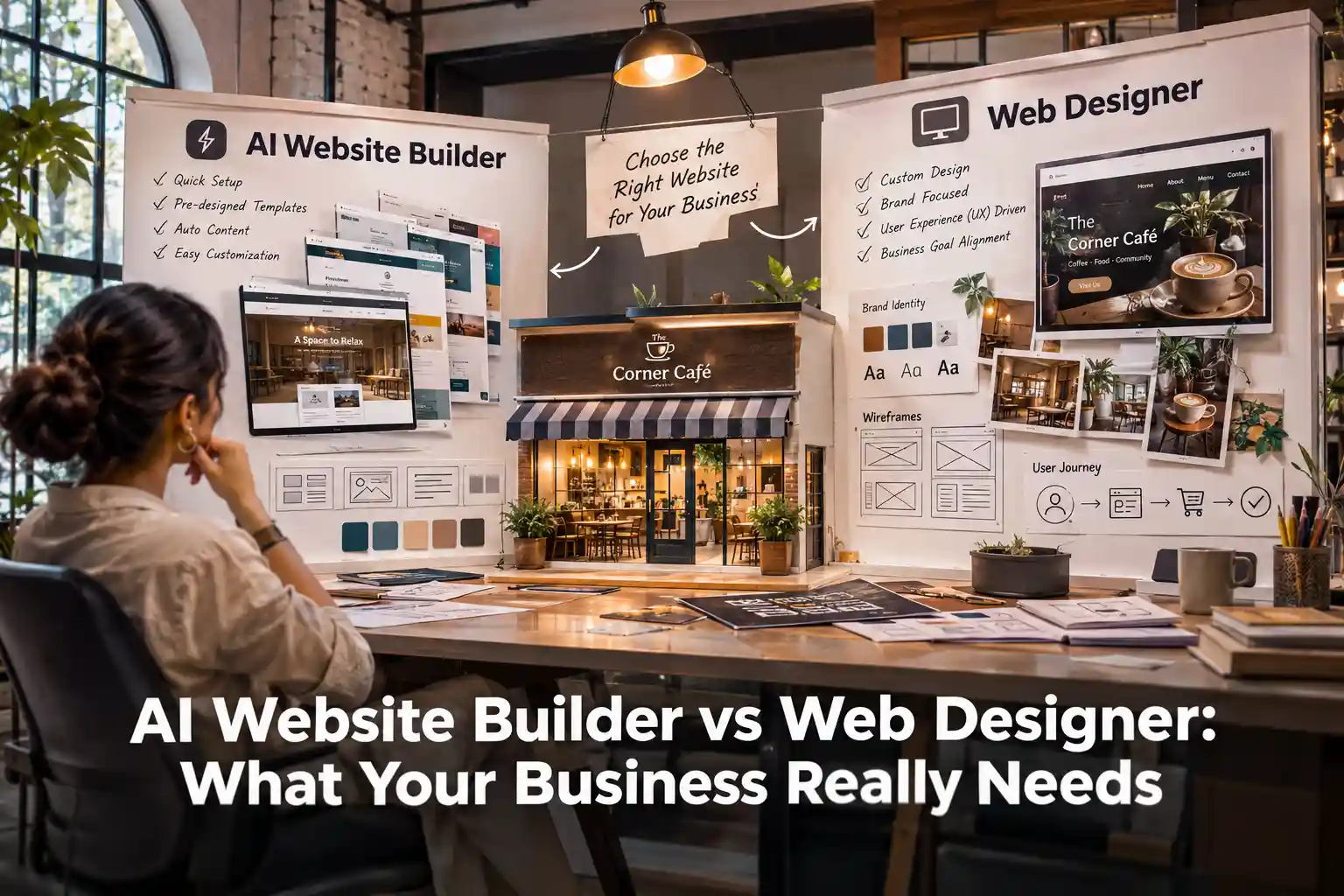
AI Website Builder vs Web Designer: What Your Business Really Needs A few years ago, building a website meant hiring…
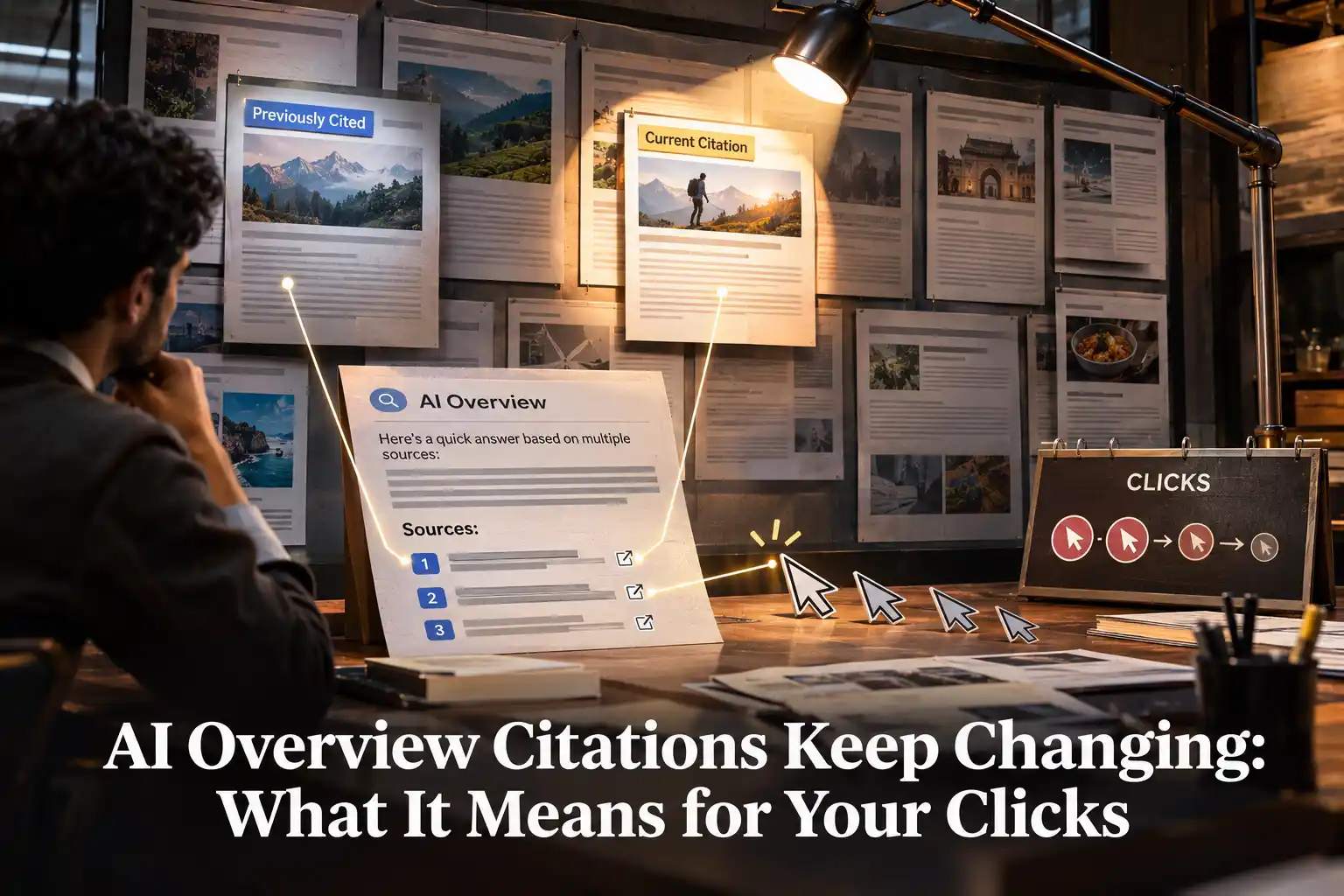
AI Overview Citations Keep Changing: What It Means for Your Clicks For a long time, Google search was easy to…

Website Design for AI Mode: What Changes After Gemini 4 Argon Website design for AI Mode is the practice of…
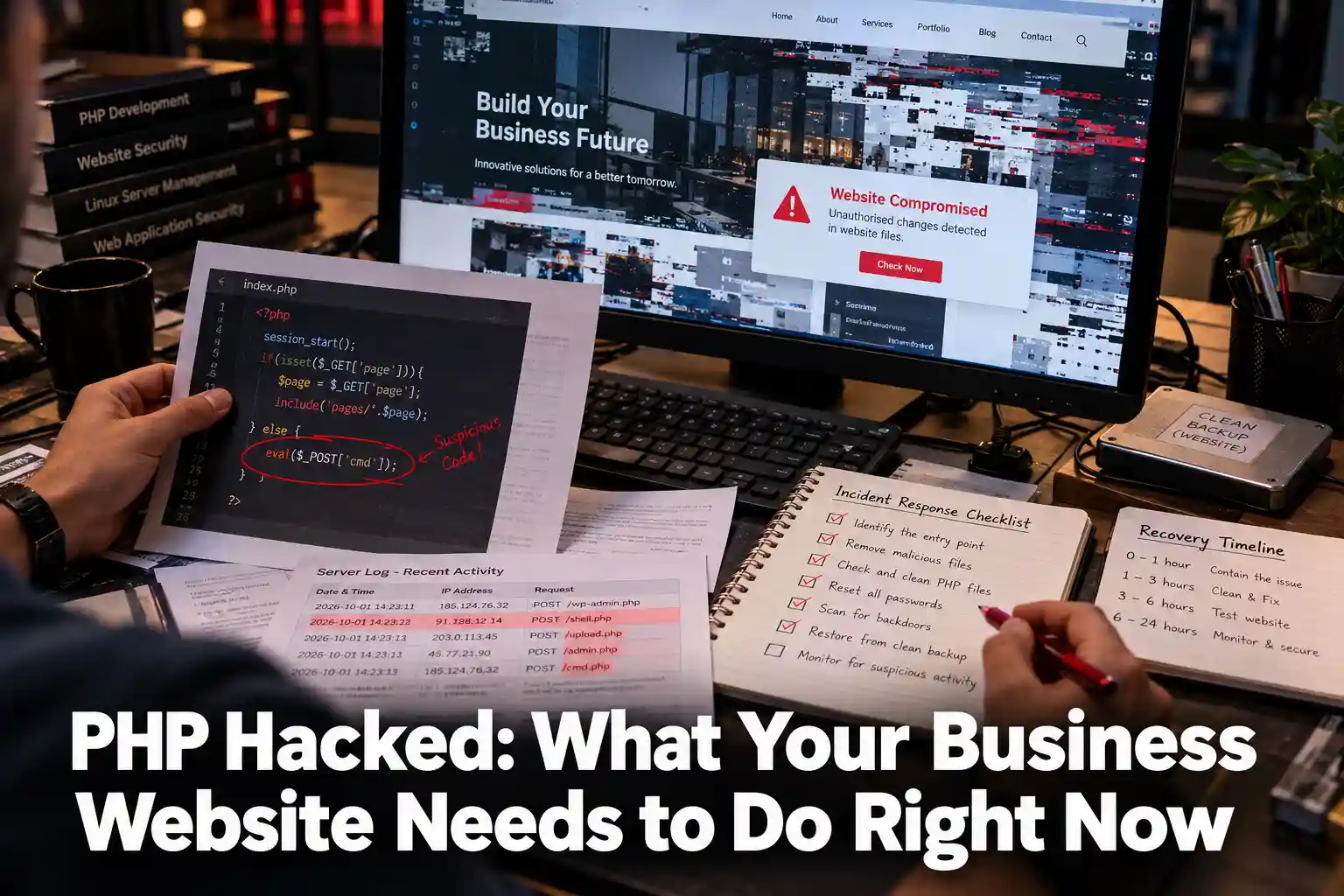
PHP Hacked: What Your Business Website Needs to Do Right Now PHP hacked means someone has broken into your website…
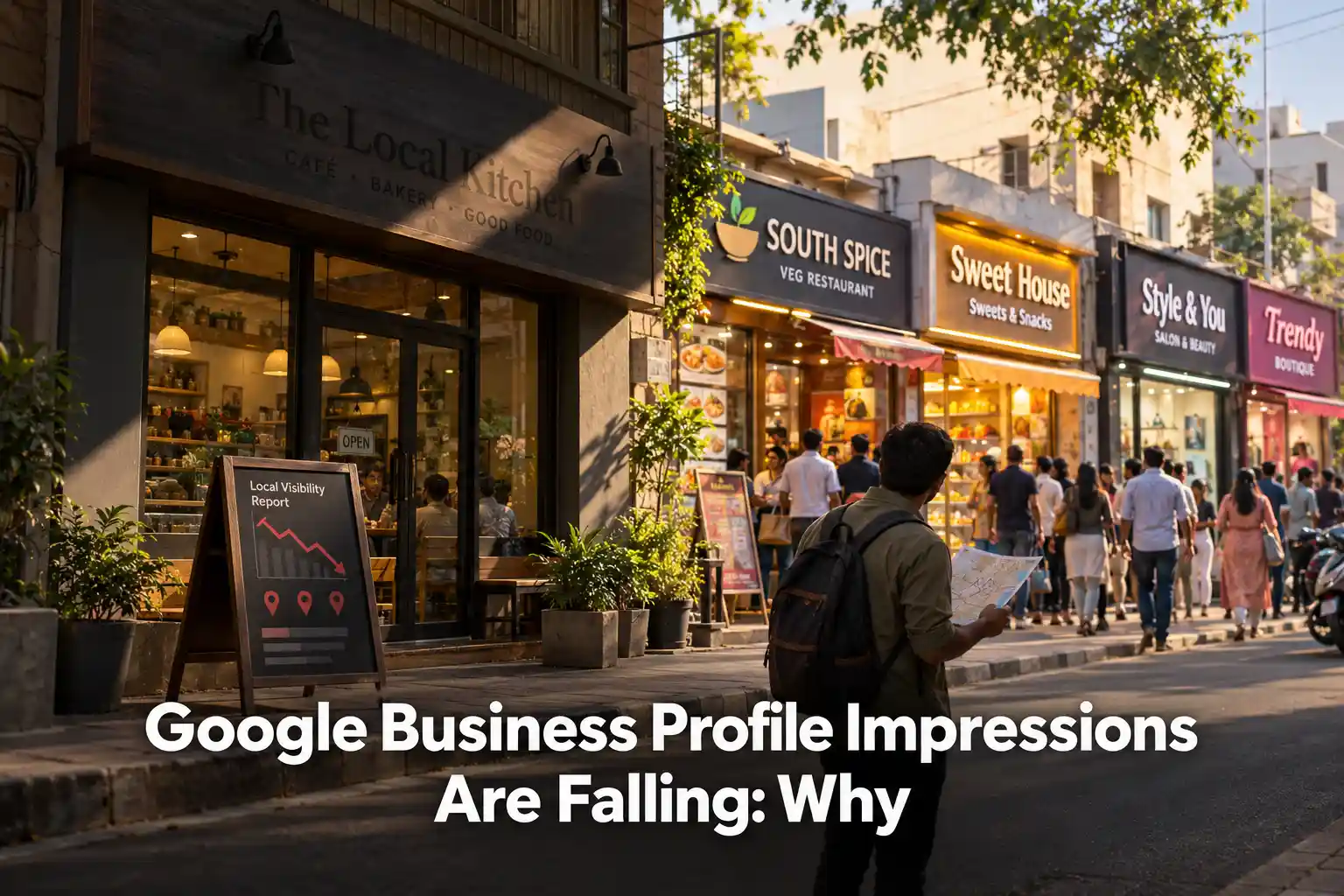
Google Business Profile Impressions Are Falling: Why Google Business Profile impressions are falling because AI Overviews and zero-click results now…
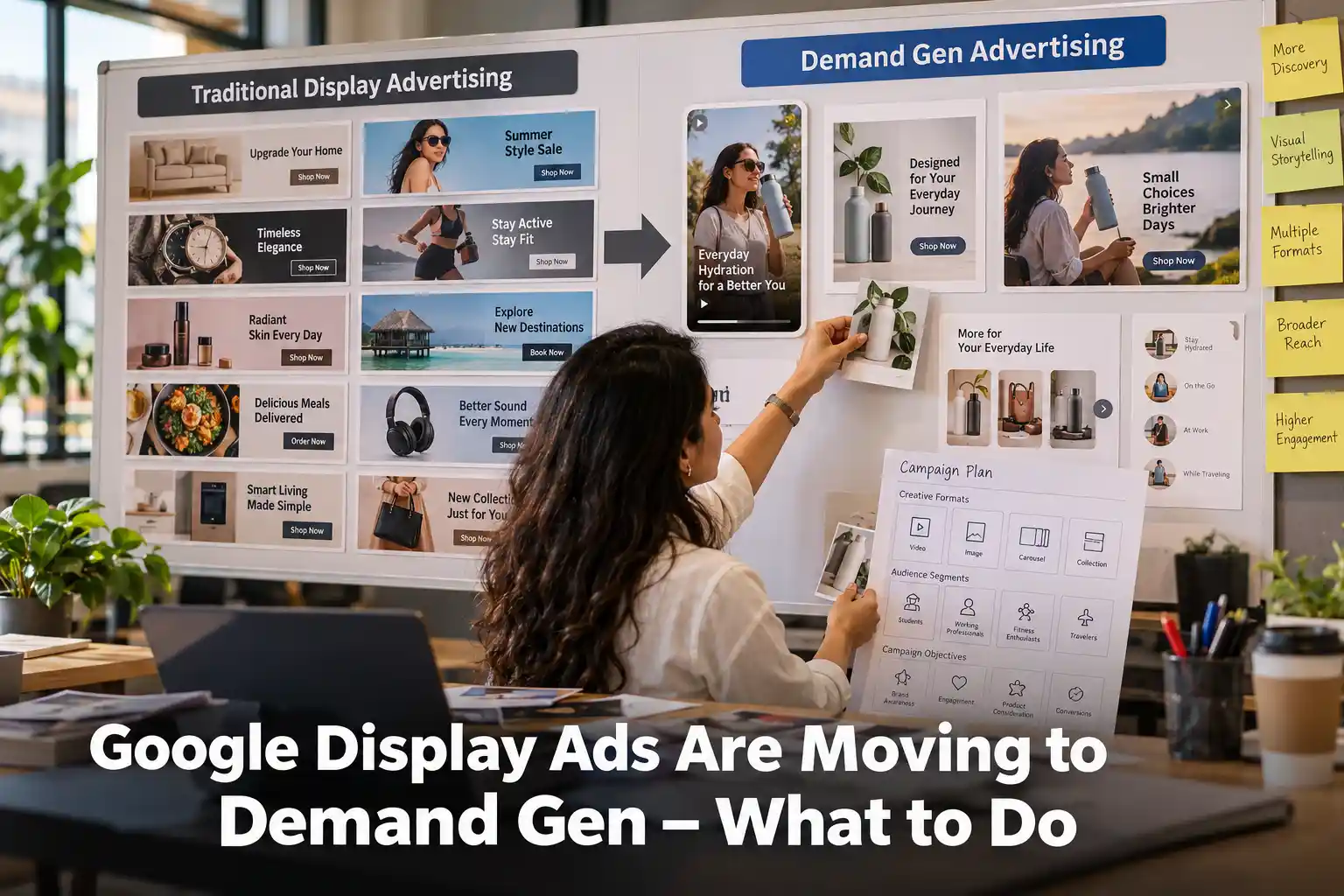
Google Display Ads Are Moving to Demand Gen – What to Do Google Display Ads are moving into Demand Gen,…

ChatGPT Visual Ads Are Coming. What Brands Should Know Ask ChatGPT to create an image, and you may soon see…
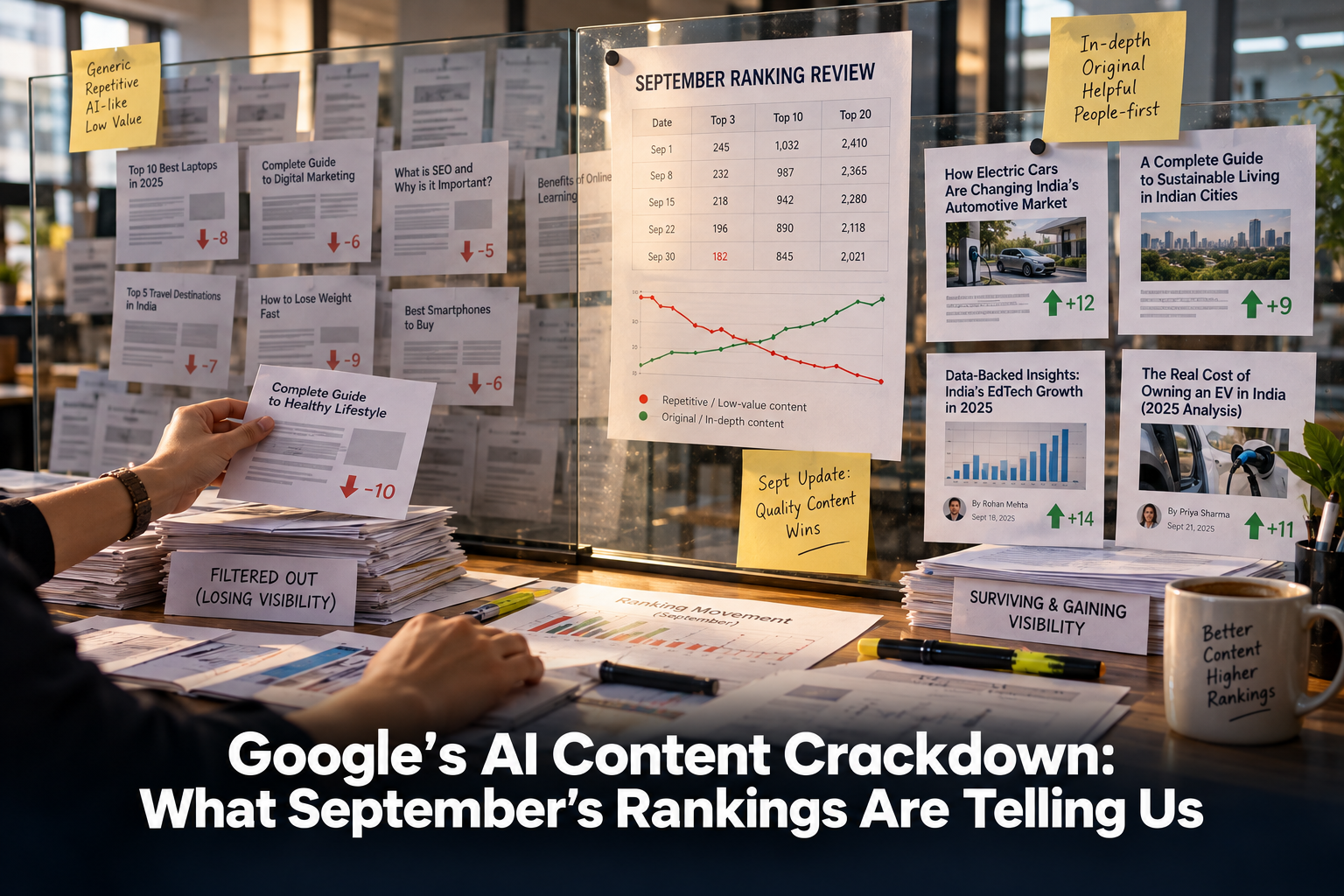
Google’s AI Content Crackdown: What September’s Rankings Are Telling Us Google’s AI content crackdown became one of the most talked-about…
Google Is Moving Your Ads to AI Max — Here’s What to Do AI Max is Google’s newest bid to…
Gemini 3.7 Flash Is Upgrading Google AI Mode — What to Do Gemini 3.7 Flash arrived inside Google AI Mode…
Used vs Cited in AI Search — What Your Brand Needs to Know AI search has quietly split brand visibility…