
ChatGPT Visual Ads Are Coming. What Brands Should Know
ChatGPT Visual Ads Are Coming. What Brands Should Know Ask ChatGPT to create an image, and you may soon see…

Google Display Ads are moving into Demand Gen, and the standalone Display campaign type is on its way out. Google announced the change on May 26, 2026. If you run Display campaigns today, this update affects you directly. However, the Google Display Network is not going away. You will simply manage it from a different campaign type.
At first glance, that may sound like a small product tweak. In practice, though, it changes how you build campaigns, choose audiences, and read reports. It also fits a wider pattern, because Google keeps replacing manual settings with automation. In return, the platform asks for stronger creative and cleaner conversion data.
Advertisers who prepare early keep control of the move. Those who wait, on the other hand, let Google decide how their campaigns migrate. This guide explains what is changing, when it happens, and what to do first.
Google is retiring standalone Display campaigns and moving the Display Network into Demand Gen. Your ads keep reaching the same sites, videos, and apps. Since June 2026, a migration tool has been rolling out, and Google will migrate remaining campaigns automatically through 2027. So audit your campaigns now, test a Demand Gen version alongside them, and migrate on your own terms.
Google is retiring the standalone Display campaign type. Display Network inventory will now sit inside Demand Gen campaigns, alongside YouTube, Discover, Gmail, and Maps. As a result, one campaign can reach all of those surfaces.
Importantly, the network itself stays. It still covers more than two million sites, videos, and apps, so your ads do not lose reach. What changes is the control panel you use to buy that reach.
This is not Google’s first move of this kind. Video Action campaigns already folded into Demand Gen, and Display now follows the same path. In addition, Google says advertisers who add the Display Network to Demand Gen see a 9.5% average lift in ROI. Because that figure comes from Google, test it in your own account before relying on it.
Google is rolling out the change in three phases. First, a migration tool began appearing in eligible accounts in June 2026. It lets you move existing Display campaigns into Demand Gen yourself.
Next, Google will stop advertisers from creating new standalone Display campaigns. Reports disagree on the date, though. Some point to late 2026, while one says January 2027. For that reason, watch the notices inside your account for exact timing.
Finally, remaining campaigns will be migrated automatically through 2027.
The order matters. Advertisers who move early choose the timing, the structure, and the test design. By contrast, those who wait accept whatever the automatic migration produces.
Demand Gen gives you more creative room. For example, you can run carousels and richer video formats that standard Display never supported. That helps if your current banners feel dated.
You also get channel-level reporting. Inside one campaign, you can compare how the Display Network performs against YouTube or Gmail, which standalone Display never offered. Placement exclusions still work as well, so you can keep protecting your brand.
However, there is one trade-off. Demand Gen leans heavily on automation, so it may reach broader audiences than your old Display settings did. Therefore, watch results closely during the first few weeks, and compare cost per lead rather than clicks alone.
In September, Google also began moving older Search campaign features into AI Max. Campaigns using automatically created assets or campaign-level broad match were upgraded automatically.
Both changes follow the same logic. Google removes a manual control and asks advertisers to supply better inputs, such as strong creative, accurate conversion tracking, and clear audience signals.
Consequently, advertisers who build those habits now will handle future changes with less stress. Meanwhile, those who rely on manual tweaks will keep scrambling whenever Google updates a campaign type.
Start with an audit. List every Display campaign with its budget, audiences, placements, and results, and note which setups drive conversions. Then save this as your baseline, because it shows you later whether Demand Gen helps or hurts.
Next, build a test. Create a new Demand Gen campaign and set its channel controls to the Display Network. After that, run it beside your existing campaign with a comparable budget, so the comparison stays fair.
Then check your tracking. Demand Gen optimises toward the conversions you report, so duplicate or weak tracking sends it in the wrong direction. Fix this before you scale.
Also, refresh your creative. Demand Gen rewards strong images and video, so review which Google Display Ads performed best and rebuild them in more formats.
Finally, migrate the winners. Once the test holds up, move your best setups across and carry your placement exclusions with them. Keep monitoring for a few weeks after the switch.
Four mistakes appear again and again. First, many advertisers wait for automatic migration, which means they lose control of structure and timing.
Second, some skip the baseline. Without it, you cannot tell whether a change in results comes from Demand Gen or from the season.
Third, others judge success on in-platform numbers alone. Instead, check them against your own leads and sales data.
Finally, some launch with weak creative. Because Demand Gen needs good assets, old banners waste its potential.
No. Google is retiring the standalone Display campaign type, not the Google Display Network. Your ads can still run across more than two million sites, videos, and apps through Demand Gen campaigns. Only the way you set up and manage those campaigns changes.
Demand Gen is a Google Ads campaign type that runs visual ads across YouTube, Discover, Gmail, Maps, and now the Google Display Network. One campaign manages all of those surfaces. It uses automation to find audiences and supports carousels and expanded video formats.
Google began rolling out a migration tool in June 2026. It will later stop new standalone Display campaigns, then migrate remaining campaigns automatically through 2027. Reports differ on the exact cutoff for new campaigns, so check the notices inside your Google Ads account.
Use the migration tool in your Google Ads account, or build a new Demand Gen campaign with channel controls set to the Display Network. Run it beside your existing campaign, compare conversions and cost per lead, then move proven setups across.
Google Display Ads are not disappearing, but the way you run them is changing fast. Brands that audit now, test early, and refresh their creative will move across smoothly. Brands that wait will let Google make those choices for them. If you want help auditing your Display campaigns or planning the move to Demand Gen, Turnihi Tech Solutions works with businesses on exactly this kind of change across search and AI-driven advertising.
Share Post:

Related Post

ChatGPT Visual Ads Are Coming. What Brands Should Know Ask ChatGPT to create an image, and you may soon see…

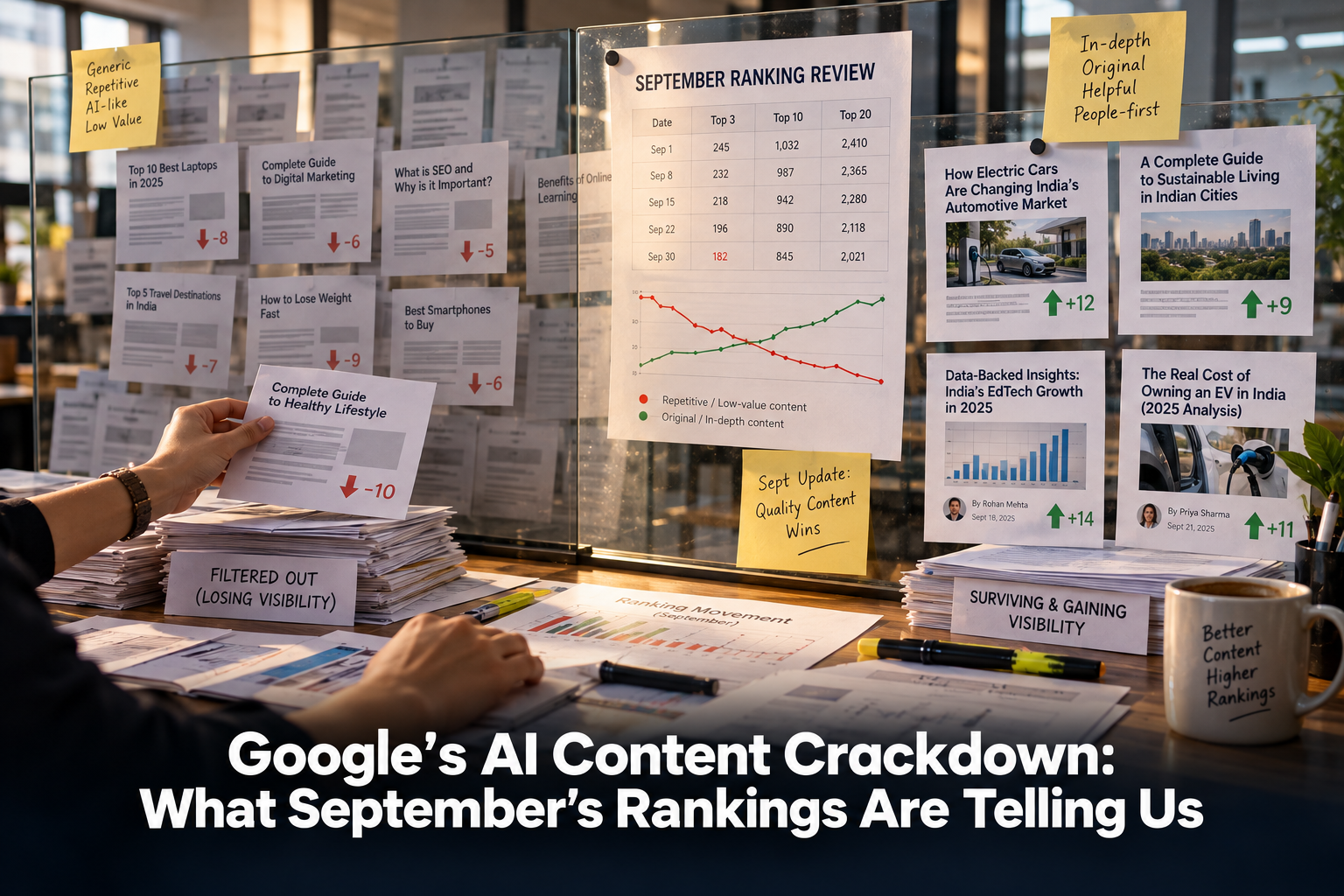
Google’s AI Content Crackdown: What September’s Rankings Are Telling Us Google’s AI content crackdown became one of the most talked-about…

Google Is Moving Your Ads to AI Max — Here’s What to Do AI Max is Google’s newest bid to…

Gemini 3.7 Flash Is Upgrading Google AI Mode — What to Do Gemini 3.7 Flash arrived inside Google AI Mode…

Used vs Cited in AI Search — What Your Brand Needs to Know AI search has quietly split brand visibility…

Category Framing: Why AI Recommends Some Brands Over Others Category framing is quietly deciding which brands show up when someone…

Why Your SEO Strategy Needs Less Content — What the Data Says Your SEO strategy probably has a publishing problem,…

ChatGPT Ads Just Got Audience Targeting – Here’s What to Do ChatGPT Ads became a self-serve advertising platform on July…

Google Is Labelling AI-Generated Ads — What It Means for Your Campaigns AI-generated ads across Google Search, YouTube, and Discover…

Google Performance Max Just Got Channel Diagnostics — What This Means for Your Ads Google Performance Max campaigns just became…