
Google’s AI Content Crackdown: What September’s Rankings Are Telling Us
Google’s AI Content Crackdown: What September’s Rankings Are Telling Us Google’s AI content crackdown became one of the most talked-about…

AI Max is Google’s newest bid to automate your paid media budget, and it changes how we manage search accounts across the board. If you logged into your dashboard recently, you probably ran into an alert warning that your setup is due for an automated migration.
It’s easy to see what Google is doing here. They are quietly rolling standard smart campaigns and Performance Max into one single, autonomous machine. For anyone who has been running ads for a while, this feels like the biggest shake-up since automated bidding first rolled out years ago.
Let’s be blunt: handing your credit card to an algorithm without a leash is a recipe for burning cash. You need practical guardrails before this switch flips.
Let’s break down how this system works, where it can bite you, and what steps you should take right now to protect your profit margins.
Google AI Max is an automated ad system powered by multimodal AI. It builds ad creative, manages bids, picks audience segments, and distributes your budget across Search, YouTube, Display, Discover, Maps, and AI Overviews without requiring manual keyword setups.
Back when Performance Max rolled out, we still had some knobs to turn. You built asset groups by hand. You kept tight reins on negative keywords. You played with target ROAS numbers.
AI Max strips away most of that manual work. Instead, it asks for high-level business goals and crawls your website to decide what to show and who to target.
Google didn’t build this just to tidy up their interface. Two major things are driving it.
First, people don’t search the way they used to. A few years ago, someone might punch “best CRM for plumbers” into a search bar. Today, they open an AI chat, write three paragraphs detailing their specific team setup, and ask for a custom recommendation. Classic exact-match keywords simply can’t capture those conversational questions.
Second, Google needed a way to make money off these new AI surfaces. Traditional text ads don’t work cleanly inside a back-and-forth chat. By bundling your ads into AI Max, Google can slip your business into AI Overviews, chat threads, and Gemini answer cards without needing an exact keyword match.
It’s great for opening up new ad inventory. But for media buyers, it means your manual levers are disappearing fast.
Automation sounds convenient until you pull your weekly numbers and realize your cost per acquisition doubled. Here are the three biggest pitfalls we’re seeing.
Old Search setups let you isolate your brand terms from generic searches. AI Max groups everything by broad intent. Left alone, the algorithm will bid on your own company name because those clicks are cheap and convert easily. It looks amazing inside the dashboard report, but in reality, you just paid for customers who were already heading to your site anyway.
Because the system writes headlines on the fly, it can pull outdated numbers or weird phrasing from buried pages on your site. If an old seasonal discount or expired shipping deal is still sitting in your footer code, the AI might grab it and advertise a promise you can’t honor.
AI Max relies heavily on your website’s underlying code to figure out what you sell. If your structured data is messy or your product descriptions contradict each other, the algorithm gets confused. That means poor ad relevance, lower Quality Scores, and significantly higher click costs.
If your account is in line for the update, run through these five fixes before the algorithm takes the wheel.
You have to stop the engine from taking credit for people who already know you exist.
This single tweak forces the system to prospect for actual new business instead of poaching your organic traffic.
Traditional negative keyword lists don’t catch conversational phrasing as well as they used to. That’s why you need negative search themes.
Flag intent words that never produce paying customers. Words like “free,” “DIY,” “salary,” “jobs,” or “login.” Add them right away so the model doesn’t blow your daily budget answering questions for people looking for free advice.
Do not let an AI engine guess your brand voice.
When you feed the platform plenty of good visual media, it has far less reason to invent its own weird combinations.
If you optimize for basic web leads or form fills, AI Max will hunt down form fills. The problem? Most of those will be spam or tire-kickers.
Tell the machine what a closed sale is worth compared to a discovery call. That way, it hunts for revenue rather than vanity click counts.
Paid ads and Generative Engine Optimisation (GEO) are now tied together.
No, you cannot permanently opt out of the migration to AI Max once Google schedules your account tier for transition. While you can manually pause migrated campaigns and choose to run standard Search campaigns with exact match and manual bidding, legacy Performance Max and automated smart campaign formats are being fully consolidated into the AI Max framework.
Performance Max required manual asset group creation, static headline inputs, and campaign-level bid strategies. In contrast, AI Max uses generative multimodal AI to dynamically create text and visual assets on the fly, bids natively inside Google AI Overviews and conversational search results, and relies on real-time predictive customer lifetime value (LTV) rather than purely historical conversion data.
AI Max can increase your customer acquisition cost if it is launched without brand exclusions and negative search themes. Because the engine prioritizes conversion volume by default, it may bid on low-intent conversational queries or inflate metrics by poaching existing branded search traffic. Implementing strict value-based bidding and negative keyword lists keeps your acquisition costs stable.
AI Max actively scrapes your website’s structured data, product schema, and entity relationships to assemble dynamic ads and match conversational search queries. If your website lacks clean schema markup or contains conflicting product information, the AI model may generate inaccurate ad copy or mismatch user intent, resulting in lower ad quality scores and higher click costs.
First, verify that your account-level brand exclusions are active so your budget isn’t consumed by branded search. Second, review auto-created assets under campaign settings and turn them off if your brand requires strict legal compliance. Finally, verify that conversion tracking is tied to offline CRM revenue or verified pipeline events rather than vanity metrics like page visits.
The automatic transition to Google AI Max marks a defining turning point in the evolution of paid search. Handing day-to-day bidding over to autonomous machine learning can feel like surrendering control, but treating AI Max as an unchecked black box is where most businesses will make expensive mistakes.
Success in this next phase of digital advertising doesn’t come from fighting the algorithm—it comes from guiding it with superior data. By setting up firm brand exclusions, structuring your website’s entity data for GEO, and feeding the engine verified offline revenue signals, you turn AI Max into a scalable profit driver rather than an unpredictable budget sink.
Navigating automated ad migrations, multimodal asset constraints, and Generative Engine Optimisation doesn’t have to be a solo effort. At Turnihi Tech Solutions, we help businesses implement bulletproof AI search strategies, structure semantic website data, and optimize modern advertising channels to safeguard your ROI.
Share Post:

Related Post
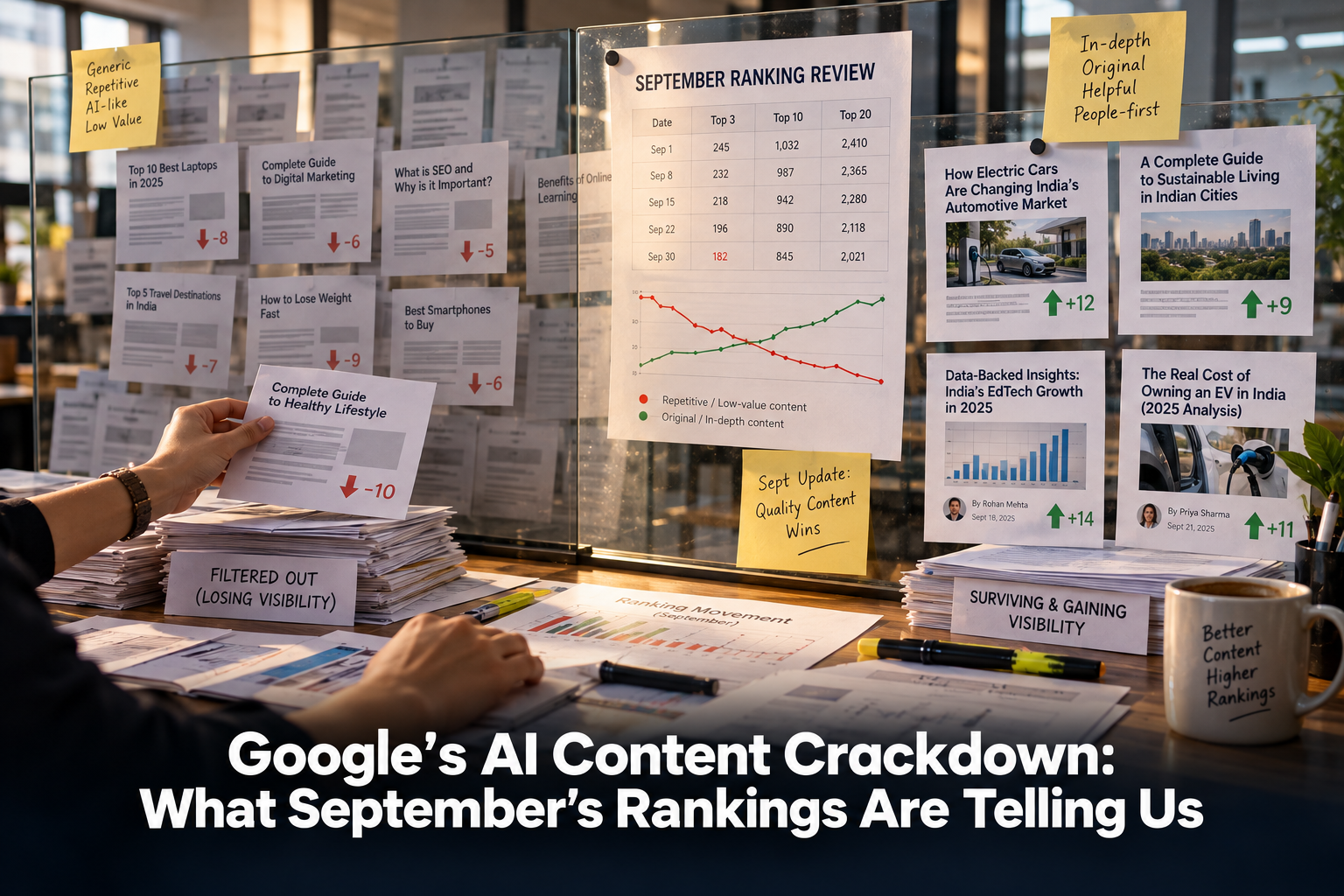
Google’s AI Content Crackdown: What September’s Rankings Are Telling Us Google’s AI content crackdown became one of the most talked-about…

Gemini 3.7 Flash Is Upgrading Google AI Mode — What to Do Gemini 3.7 Flash arrived inside Google AI Mode…
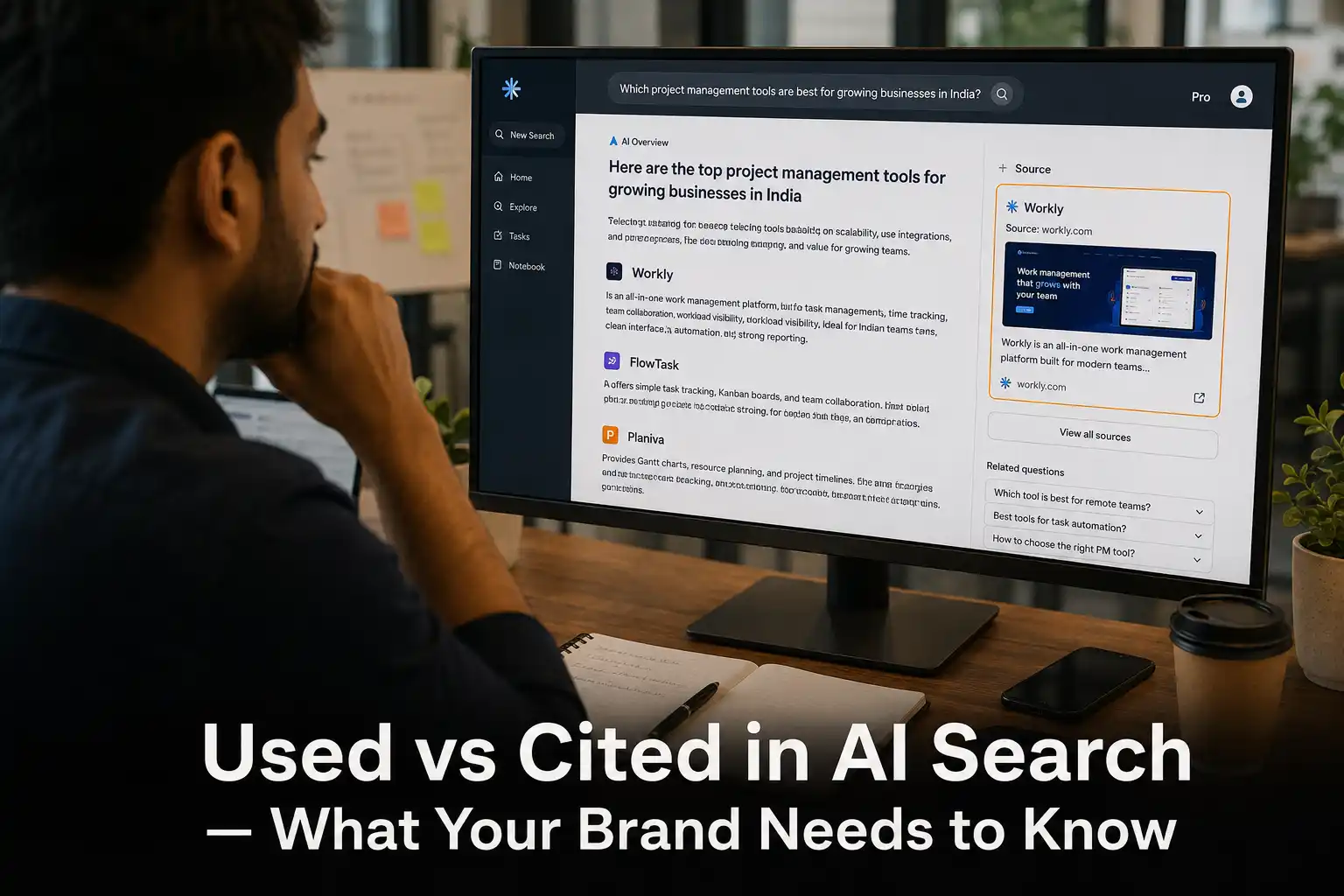
Used vs Cited in AI Search — What Your Brand Needs to Know AI search has quietly split brand visibility…
Category Framing: Why AI Recommends Some Brands Over Others Category framing is quietly deciding which brands show up when someone…
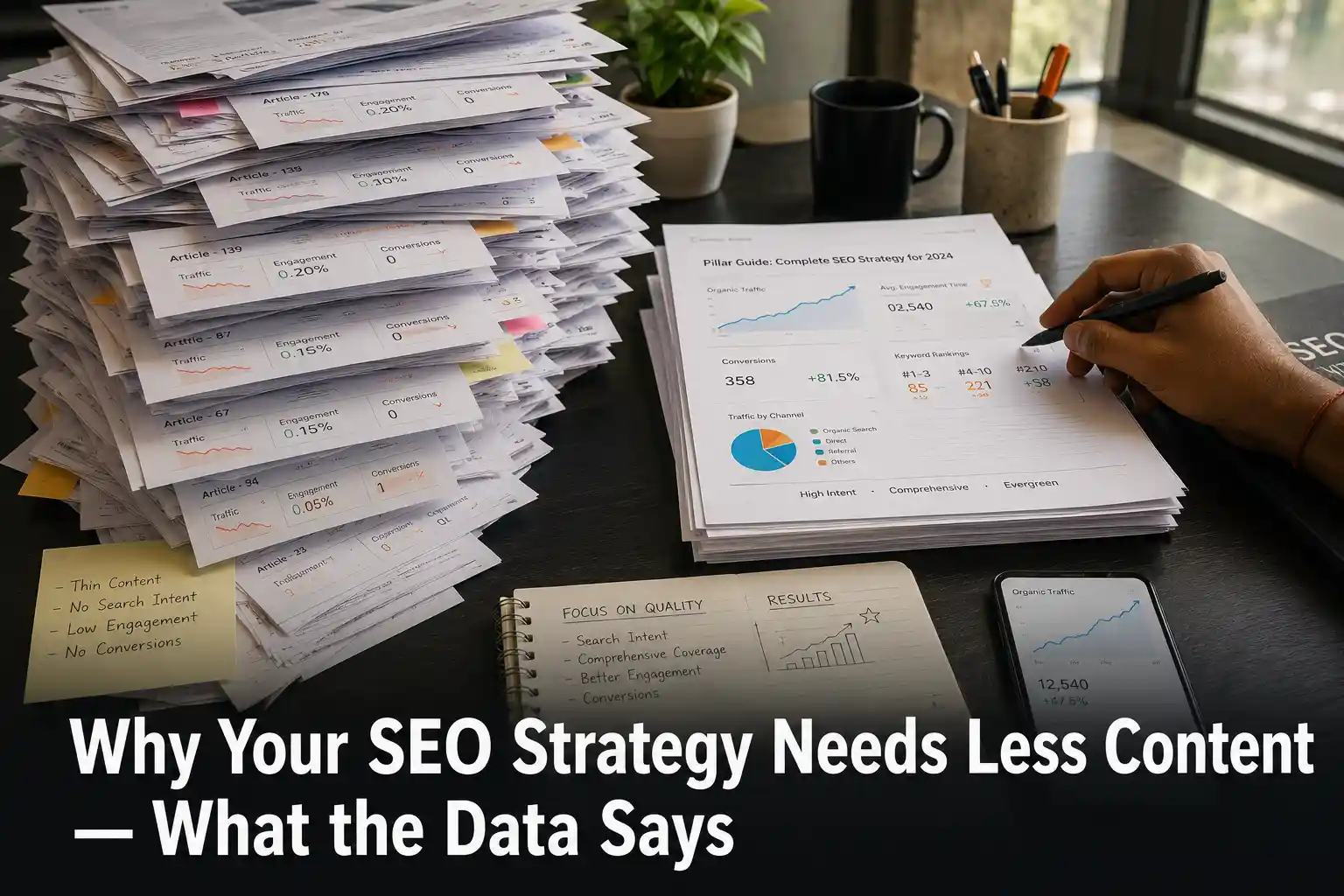
Why Your SEO Strategy Needs Less Content — What the Data Says Your SEO strategy probably has a publishing problem,…

ChatGPT Ads Just Got Audience Targeting – Here’s What to Do ChatGPT Ads became a self-serve advertising platform on July…
Google Is Labelling AI-Generated Ads — What It Means for Your Campaigns AI-generated ads across Google Search, YouTube, and Discover…

Google Performance Max Just Got Channel Diagnostics — What This Means for Your Ads Google Performance Max campaigns just became…

Reddit Is Now an SEO and AI Visibility Channel for Businesses Reddit SEO is no longer something only tech-savvy marketers…

Google’s AI Spam Policy Is Live — Is Your GEO Strategy Safe? Google’s AI spam policy now officially classifies attempts…
GraphRAG Explained – What It Means for Your Business in AI Search GraphRAG is quietly changing the way AI tools…